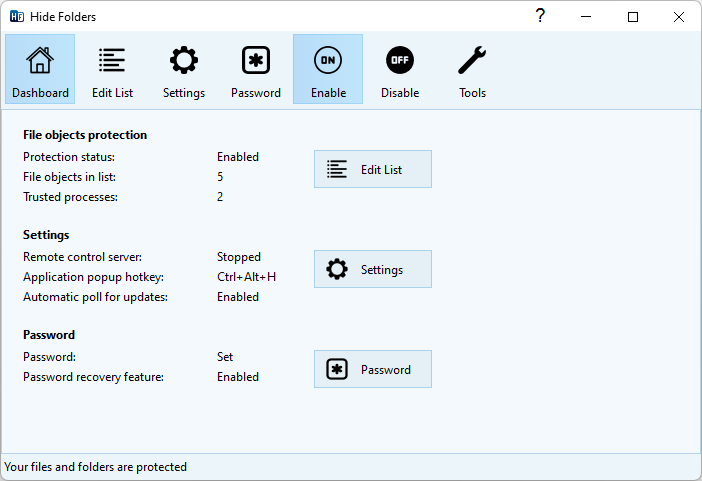
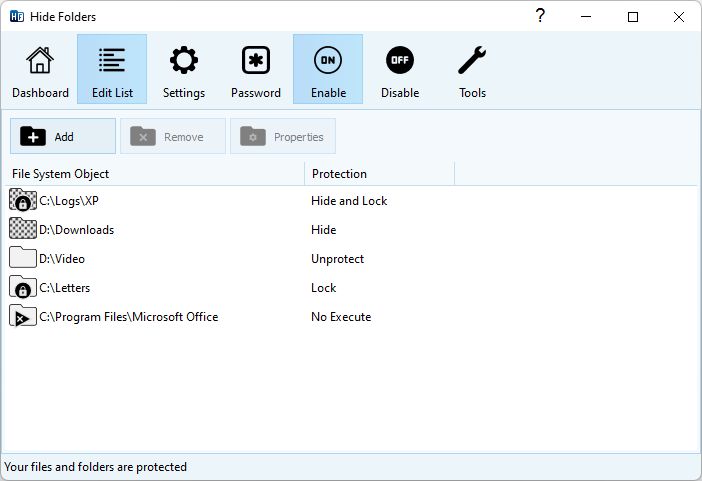
Hide Folders is a software application which enables you to password protect all the private information on your hard drive. You can swiftly make your files and folders inaccessible, invisible or protect them from modification or removal.
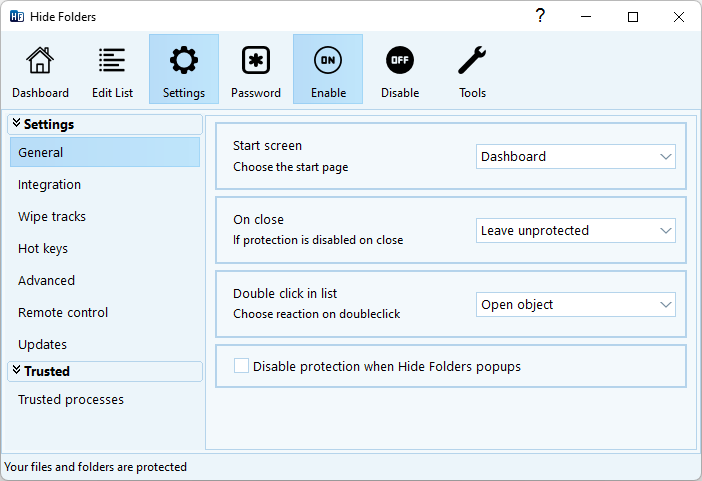
The protected folders or files are not accessible by users – no matter how they are trying to get in – locally or from the net. Effective protection mechanism, intuitive user interface, and set of fine-tuning options will suit the needs of everyone from novice Windows users to computer experts.
Since 2001, our Hide Folders software products help our users to hide private files and folders from prying eyes.
No better way to protect a folder or a file as easy as Hide Folders does!
With Hide Folders you can easily protect any number of folders and files on your computer. You can select any file or folder to protect from the program, drag-and-drop the desired files and folders from File Explorer into the Hide Folders window or protect the file or folder using File Explorer context menu.
Functionality

Security

Safety

Reliability

Availability

A lot of advanced users believe that Hide Folders (as well as any other third party folder protection software) is useless because Windows has integrated file and folder lock features.
Well, indeed, you can lock folders with Windows and this folder will be inaccessible by the other (unauthorized) users. But there are some annoying limitations that you should be aware of:
- Windows allows you to lock files and folders on NTFS volumes only. FAT and exFAT volumes are not supported;
- With Windows you can set user permissions to read/write/modify data, but not to hide files or folders;
- NTFS won’t let you make a folder invisible but accessible which is helpful for different security tasks like logging, private data recording, backing up etc;
- A system administrator can easily get access to the folders and files locked with Windows NTFS features;
- Some Windows home editions don’t have user interface to protect files and folders;
- Windows does not allow setting password for protected data. It authenticates users at logon. So if you share your Windows account with the other users, then you can’t use Windows folder protection features;
- It takes time to manage access control in Windows and requires administrative skills from users.
Info
Version: version
Released: release date
Supported OS: Windows 10, 11
License: Free to try